This release ranges from a new AI planning capability to small fixes that save someone twenty minutes a week. Here is what changed.
Simulate the move before you commit to it
A floor closes. Headcount grows faster than expected. Leadership wants to know what happens if return to office moves to three days a week. Until now, answering any of those meant a spreadsheet and a guess, with the real test happening after the decision was already made.
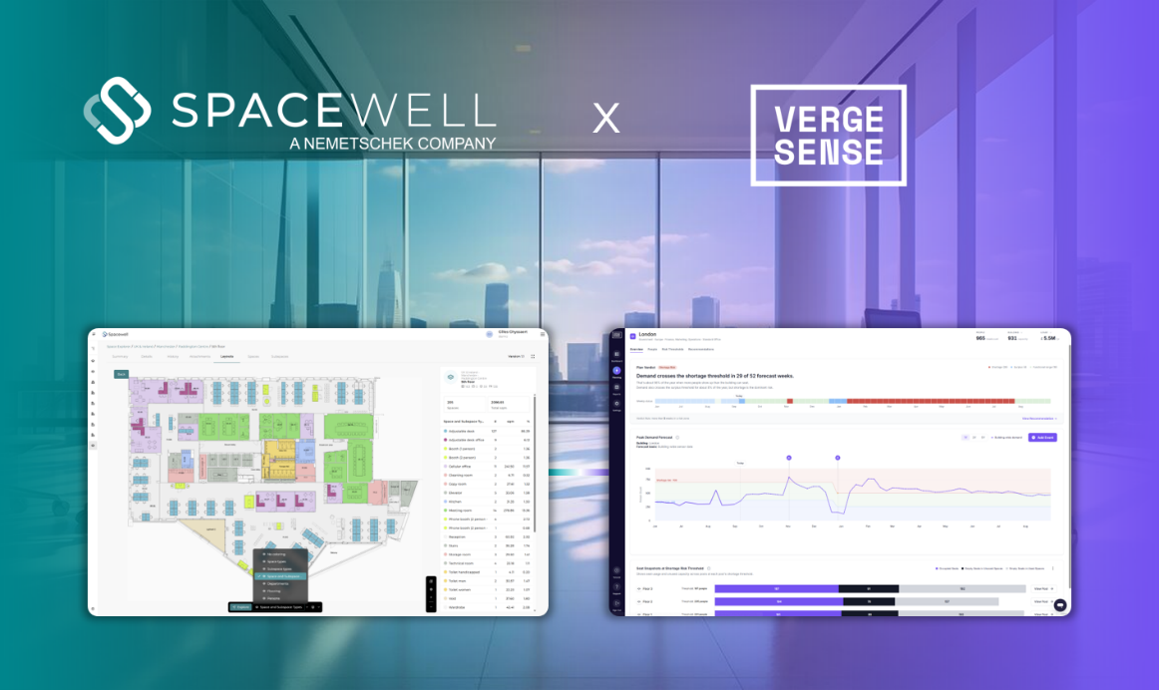
Predictive Planning, a new capability built with VergeSense, changes that. Spacewell stays the workplace system of record, buildings, floors, floor plans, spaces, space types, capacities, allocations, teams, and occupancy data, maintained in Spacewell every day. That data moves to VergeSense’s Large Spatial Model, which simulates the workplace against real behavior: what if headcount grows, what if RTO shifts to three days, what if you cut floor space by twenty percent, what if a floor closes. The scenarios and recommendations come back to your team for a human decision, ignore one, explore another, or act. The planner stays in control. Once you decide, the chosen scenario is applied back into Spacewell, allocations, floor plans, neighborhoods, and capacity all update in the system that actually runs the workplace day to day.
Today that loop runs on export and import, there is no automatic write-back. You do not need VergeSense sensors to start either, floor plans and your existing Workplace context are enough for a first simulation, sensor and occupancy data just make it more accurate.
You get to see the consequences of a decision before you are living with them, not after.
One space, more than one owner
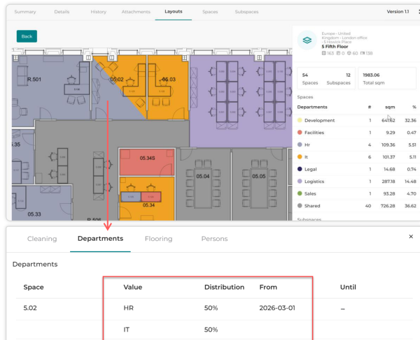
A shared lab. An office corner two departments actually use. A desk that sits with one department while the space around it belongs to another. Workplace used to force a single owner onto every space, even when the real world did not work that way.
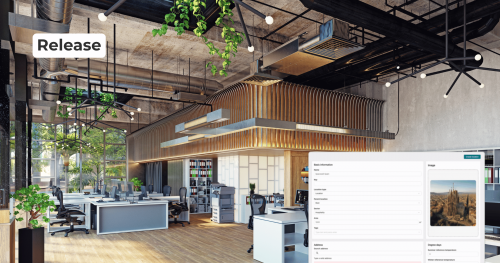
A space can now be split by percentage across multiple departments or cost centers, with a checksum that keeps the split honest at 100%. The stripes show up automatically on the layout, colored by share, and the pro rata sqm get reflected in the legend. Allocations can also combine across Space and Subspace level, so a desk can belong to one department while its surrounding space belongs to another, and both show up with separate legends on the layout.
Exterior areas, green space, parking, roads, sports infrastructure, can now be managed as Terrains, with Subterrains for specific points like individual parking spots, evacuation points, fire safety points, and energy supply points. Your space data finally matches how the space actually gets used.
Now you can tell why a room looks busy
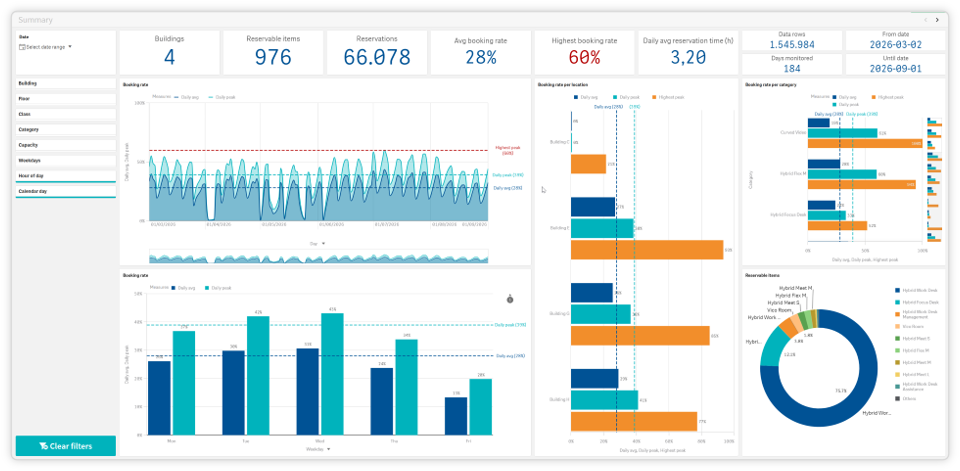
A dashboard says a room is booked 70% of the time. That number alone does not tell you whether people want the room or whether it is just the last one free by 10AM.
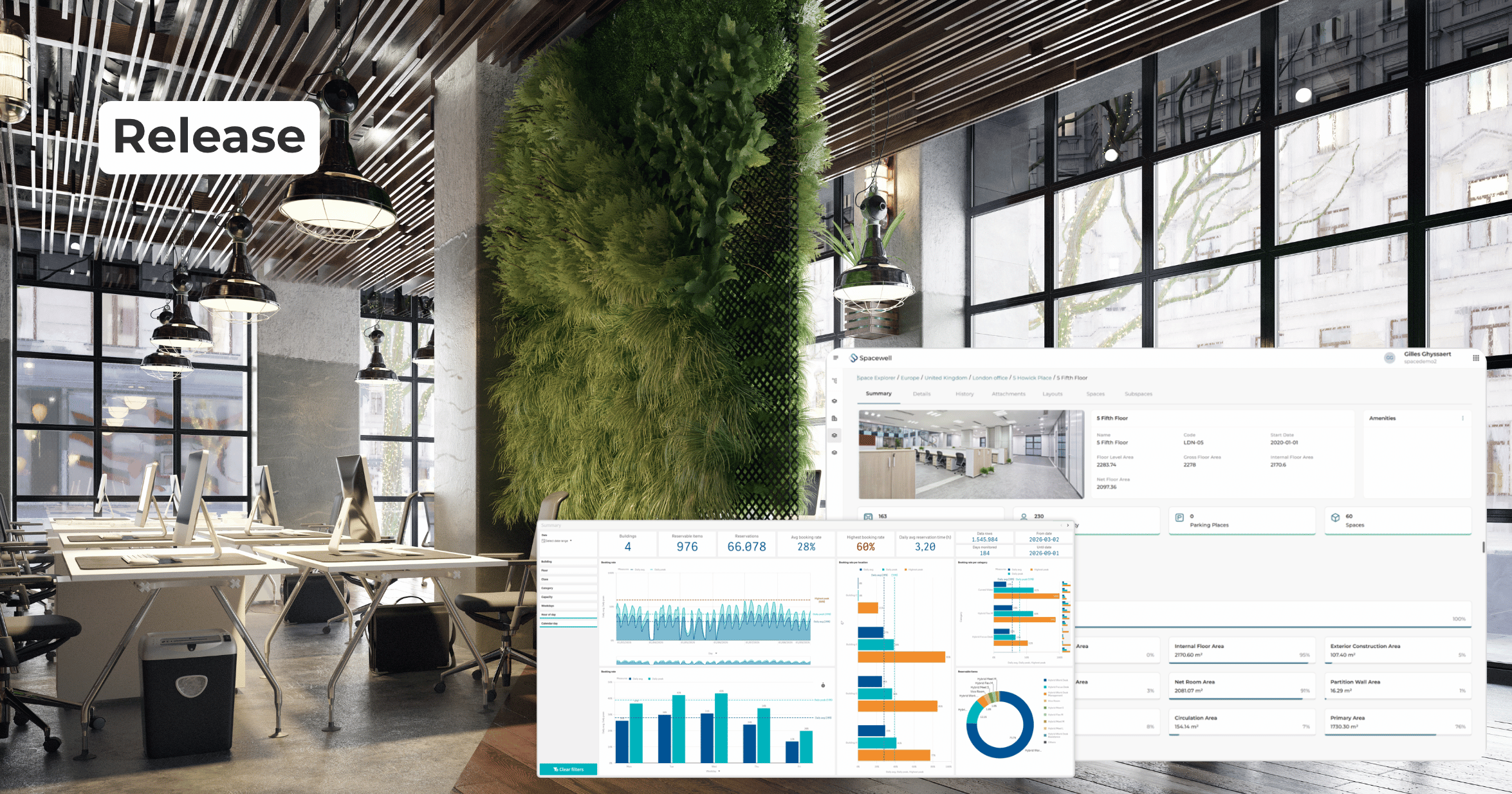
The rebuilt Reservation Insights dashboard separates two numbers that used to blur together. Daily reservation time tells you how many hours one space is booked per day, Booking rate tells you how many spaces are booked at the same moment. Compare the daily average against the daily peak across buildings and floors, and the real bottlenecks stop hiding behind one busy looking number.
Space Efficiency and Space Occupancy dashboards also move from business hours only to a default 7AM to 7PM window, with the option to include extended hours. And the Workplace dashboards themselves got a visual pass, Spacewell’s own colors, the Qlik logo gone, easier sheet navigation, no more bezels.
Space Monitor is being phased down and moved to Space Efficiency. Space Monitor stays available through at least the end of 2026. For everything else, Space Occupancy per hour, Space Occupancy per day, and Space Efficiency hold 6, 24, and 6 months of history respectively.
Recurring reservations get the same fix as single bookings
Single room reservations already resolve conflicts in real time and reconcile overnight, keeping Outlook and Workplace aligned without anyone noticing. Recurring series have not had that yet, and a series that drifts out of sync between the two calendars is exactly the kind of thing nobody catches until two teams show up for the same room.
Starting in October, recurring reservations conflicts on a recurring series will get resolved in real time, keeping the first booking that was created. Overnight reconciliation restores alignment after a missed event or a sync interruption, and corrects stale reservations left behind in either Outlook or Workplace.
Admins managing organizations across several domains can also connect multiple Microsoft Exchange environments within one tenant now, each with its own sync settings, useful if different business units run different calendar setups.
On the services side, admins can hide the reservation remarks field for end users, restrict catering or services to specific rooms, floors, or buildings with child areas automatically included, require a room or workplace before a service can be reserved on a per catalog item basis, and control which buildings allow service request creation at all, inherited down the location hierarchy by default.
3 tools start becoming one: OneUI
Managing a building used to mean switching between Space Management for the layout, Device Control for the kiosks, room displays and app personalization, and Studio for sensors and user management. Three separate places to get one job done.
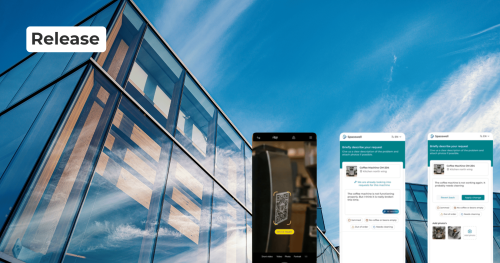
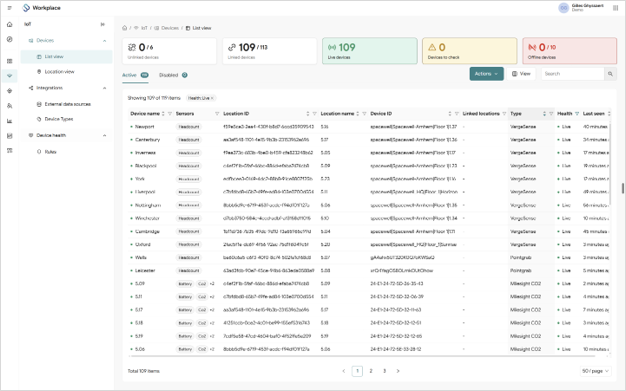
With Studio 1.0 now fully retired into Studio 2.0, this release introduces the new Workplace application in beta. It starts with a redesigned navigation and IoT device management, and over time will absorb Space Management, Device Control, and Studio into one connected experience: a Workplace App for end users, Workplace for admins, and Asset underneath for system administrators and Service teams.
The current apps and the new one run side by side during the transition, nothing disappears overnight. You can see it now in demos and soon as workplaceapp.spacewell.com (replacing GO) and workplace.spacewell.com (replacing Space, Studio and Device Control), with general availability expected to start with the December release.
Fewer surprises in your data
A bulk import runs, or seems to, until someone notices weeks later that values got truncated. By then it is a support ticket, not a five minute fix.
Imports are now validated for maximum string length before anything gets written, with a log file flagging the rows that need fixing, the import itself only runs once every row passes. Bulk data can be exported to Excel for mass updates and re-imported, the same workflow MCS customers know as Data Enhancer. Archived objects stay visible for reference, though archiving is one way, once archived an object cannot be restored and it will not show up in Space Explorer again.
And drawing import settings for IDS ((Information Delivery Specification) or CAD files can now be saved as a standard and reused, useful when the same architect or the same building guideline applies across many floors.
Small things that add up
Product news and alerts now show up directly inside GO, powered by Intercom, so users hear about new features without leaving the app. Space and Subspace detail pages are now consistent across every location class, and you can attach photos, documents, video, or audio straight to a Space or Subspace.
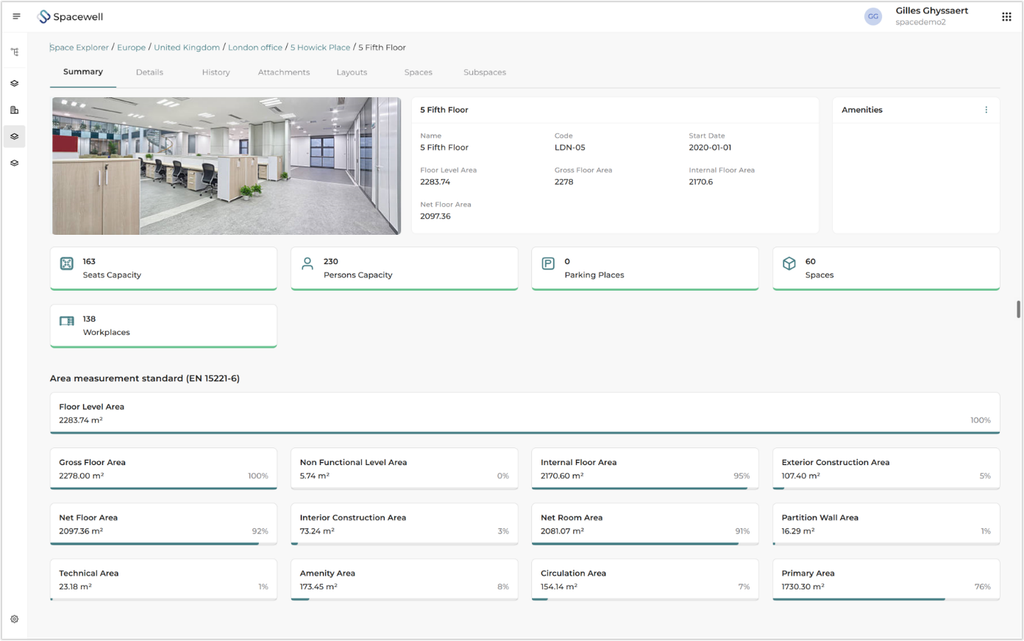
Space managers also get EN-15221-6 visualization, aggregated square meters shown against the European measurement standard, all at once, making it easier to catch anomalies or missing values and benchmark a portfolio on a common standard.
One release, a lot of ground covered. You can finally simulate a real estate decision instead of guessing at it, a shared space can belong to more than one team, a busy looking dashboard now tells you why, recurring reservations catch up to single bookings, 3 admin tools start becoming one, and the small stuff, imports, alerts, attachments, just works better.
Not a Spacewell customer yet? Fill out the form below and let our team guide you through the first steps toward a smarter, more connected workplace.