Facility and asset management runs on integrations, clean data, and accessibility, three things customers don’t always notice until they’re missing. This Spacewell Asset release strengthens all three, plus brings an update to Maintenance.
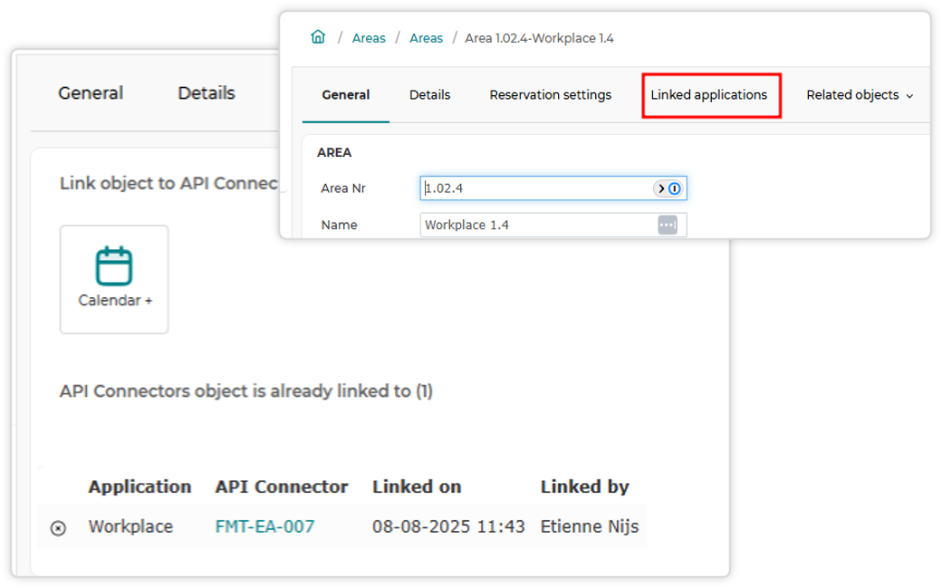
Linking objects to other applications, without leaving the page
Buildings, areas, assets, cost centers, service types, and other key objects now have a dedicated Linked Applications tab. From there, you can connect an object directly to any available API connector with a click, and see an overview of existing links, including connector status, when the link was created, and who created it.
What this means for users:
- Key users can now link service types or assets to connected applications themselves, no admin intervention needed
- Administrators get a built-in audit trail showing exactly what’s connected, when it was linked, and by whom
- No more navigating through unrelated screens just to expose an object to another application
Spotting deleted and broken references at a glance
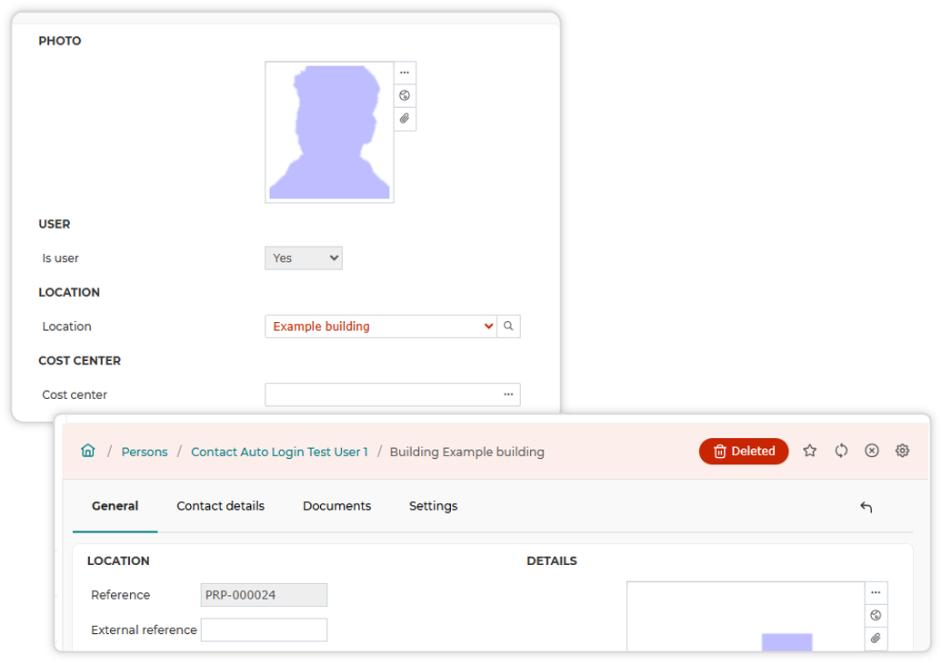
When an object gets deleted, it’s now flagged with a clear “Deleted” label in the page header. More usefully, any field that still references a deleted object, say, a work order pointing to a building that no longer exists, is now shown in red.
This lets users to immediately see when a record is referencing something that no longer exists, before it causes an error. The broken references get caught early, before they compound into bigger data quality issues
External apps are now API Connectors
A naming change, but a deliberate one. The old term didn’t communicate what the feature actually did. The new name makes it immediately clear: these are the components handling authentication and integration configuration with other applications, mostly other Spacewell products.
One landing page for every integration
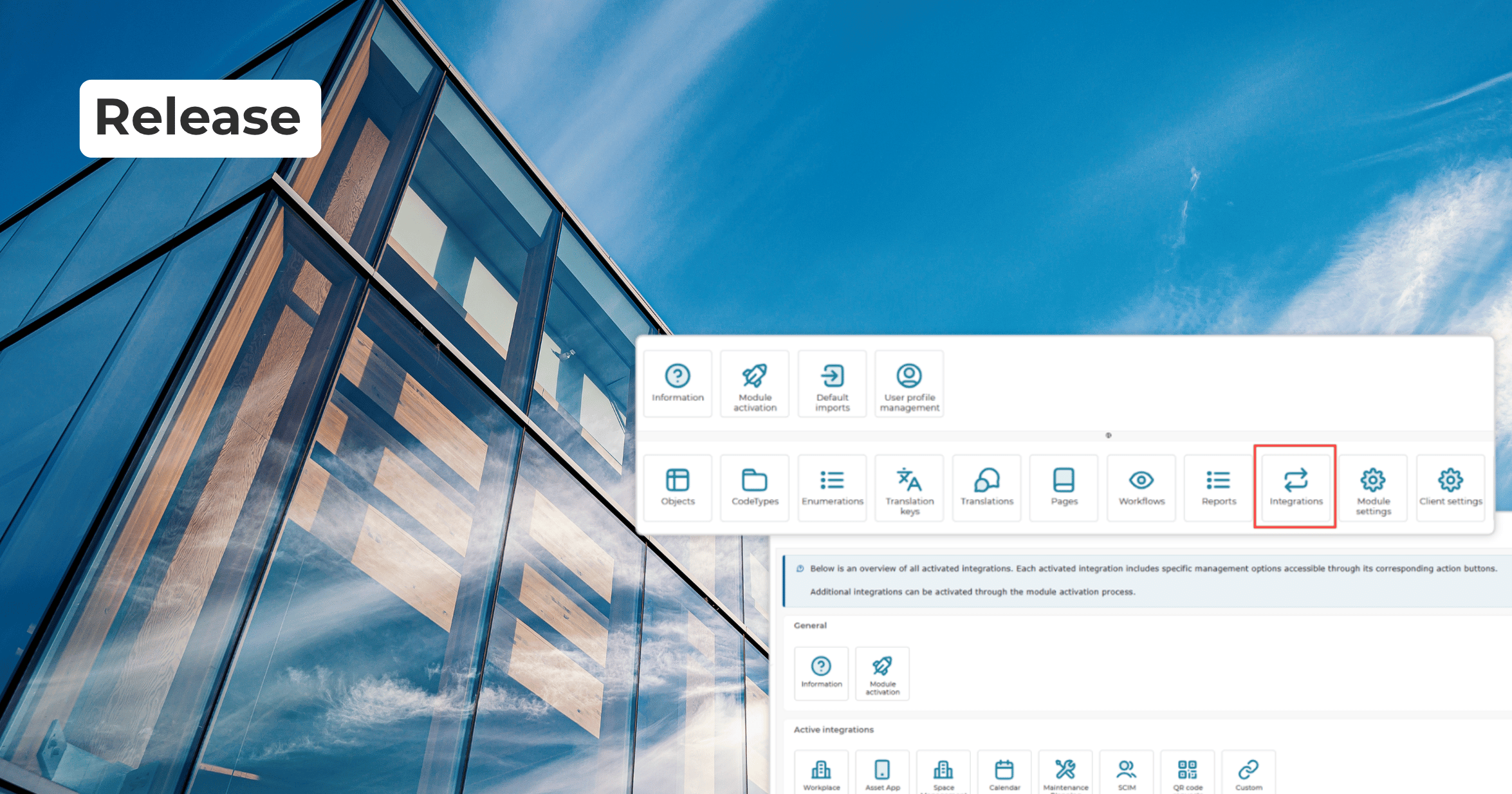
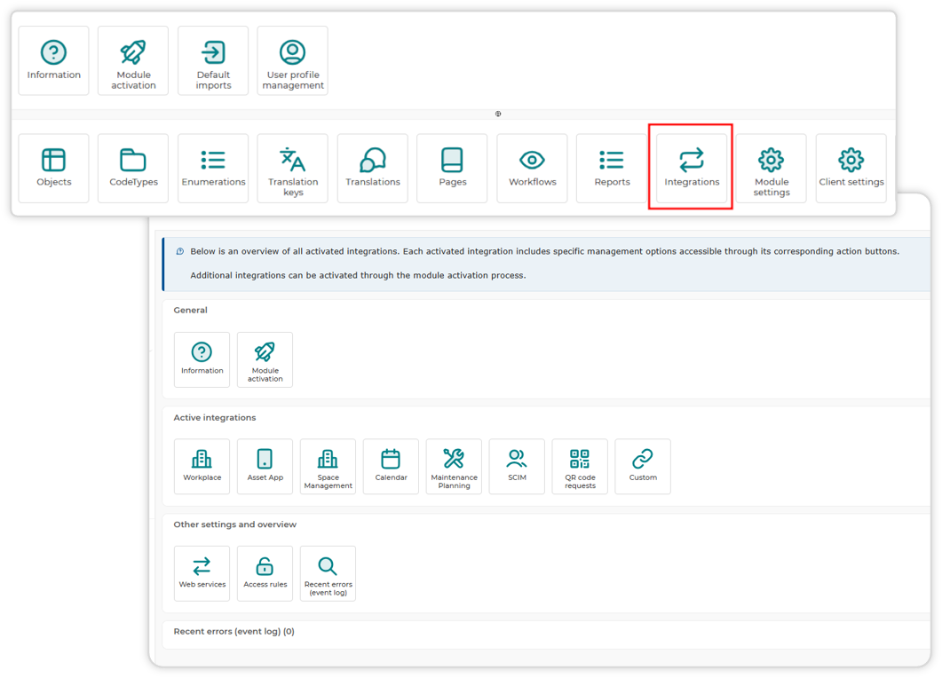
Previously, integration settings were spread across button bars, module settings, and separate menus, making troubleshooting a scavenger hunt. The new Integrations landing page, accessible from the administrator startboard, consolidates everything: each active integration gets its own sub-page with settings, recent errors, event logs, and a direct link to the relevant knowledge base article.
What this means for the users:
- Administrators can now go to one place to see what’s active, what’s erroring, and how to fix it
- Recent errors and event logs are visible per integration, so troubleshooting no longer means jumping between screens
- Documentation is always one click away, directly from the integration itself
Keeping self-service kiosks logged in
The visitor self-registration startboard introduced last release had a practical flaw: session timeouts would log the kiosk out, defeating the point of self-service. A new setup wizard lets administrators configure automatic re-login after a timeout, so kiosks and any other self-service setup stay available without manual intervention. Devices can still be deregistered remotely when needed.
Accessibility and security, under the hood
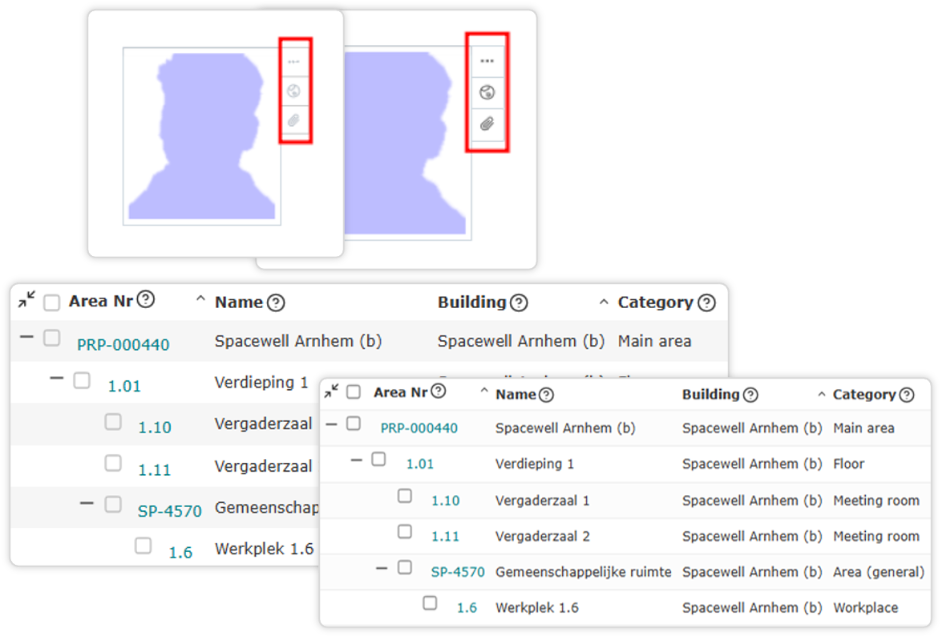
Contrast has been increased across the Spacewell interface, row outlines in list views are more prominent, and keyboard navigation now covers announcements and document card strips. Separately, the Wiki, HTML, and script editors have been updated to a modern library purely to meet current security standards, no functional changes there, just a more secure foundation.
Maintenance Planning: NEN 2767-2:2025 and Excel-based migration
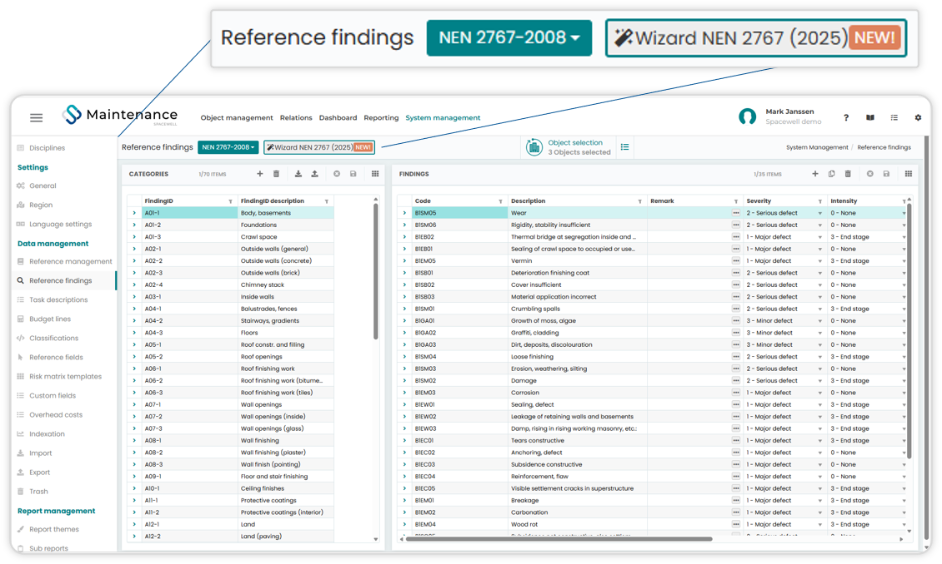
Maintenance Planning becomes easier with Spacewell Asset. Condition assessments now support the NEN 2767-2:2025 standard, including both mandatory and optional findings (findings that don’t affect the condition score, but they are still important to record during the inspection.). A migration wizard converts existing NEN 2767:2008 data to the new standard, so inspectors can move at their own pace.
Also significant for migration: a standardized Excel template now supports full import and export of building, construction part, task, and finding data. This removes a long-standing migration blocker for customers moving from tools like O-Prognose to Maintenance Planning, or anyone consolidating third-party asset data, and supports round-trip editing: export, update in Excel, reimport.
What this means for you
Smaller integrations are easier to set up and troubleshoot, broken data is easier to spot, and manual work is reduced for modern maintenance planning with Spacewell.
Not a Spacewell customer yet? Fill out the form below and let our team guide you through the first steps toward a smarter, more connected workplace.